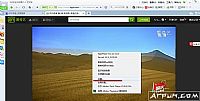
很多朋友不会使用photoshop的计数工具, 但今天, 我将带大家学习使用操作教程的photoshop计数工具!
| Photoshop一组300个 ps渐变文件 大小:12.0 KB 图像工具 |
 Photoshop渐变文件是由设计者编辑的一组300个ps渐变文件。 每个渐变文件都非常漂亮。 如果您的工作中需要渐变文件, 可以免费下载。 Photoshop渐变文件是由设计者编辑的一组300个ps渐变文件。 每个渐变文件都非常漂亮。 如果您的工作中需要渐变文件, 可以免费下载。 |
Photoshop计数工具使用操作说明

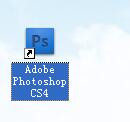
双击桌面Photoshop图标;
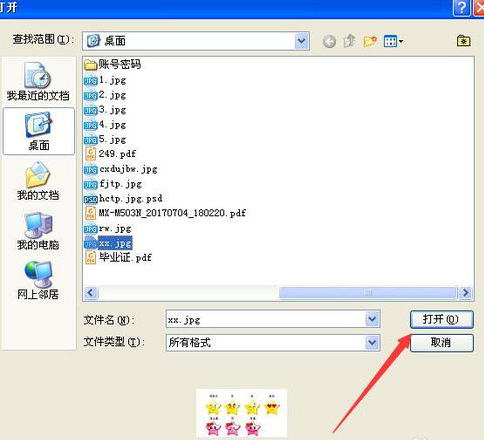
单击文件, 打开;
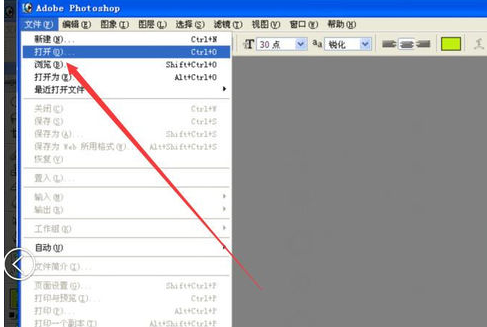
选中要标记的图片, 单击打开;
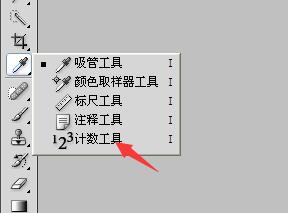
吸管工具, 右键, 单击计数工具;
选择颜色, 输入标记大小, 标签大小;
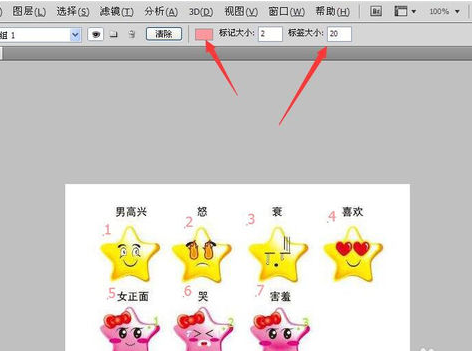
单击鼠标左键, 对各个图像进行标记计数, 如图所示;

上文就讲解了photoshop计数工具使用操作过程, 希望有需要的朋友都来学习哦。